
CRM for a Dental Clinic in Simple Terms
An organizer that keeps track of your patients
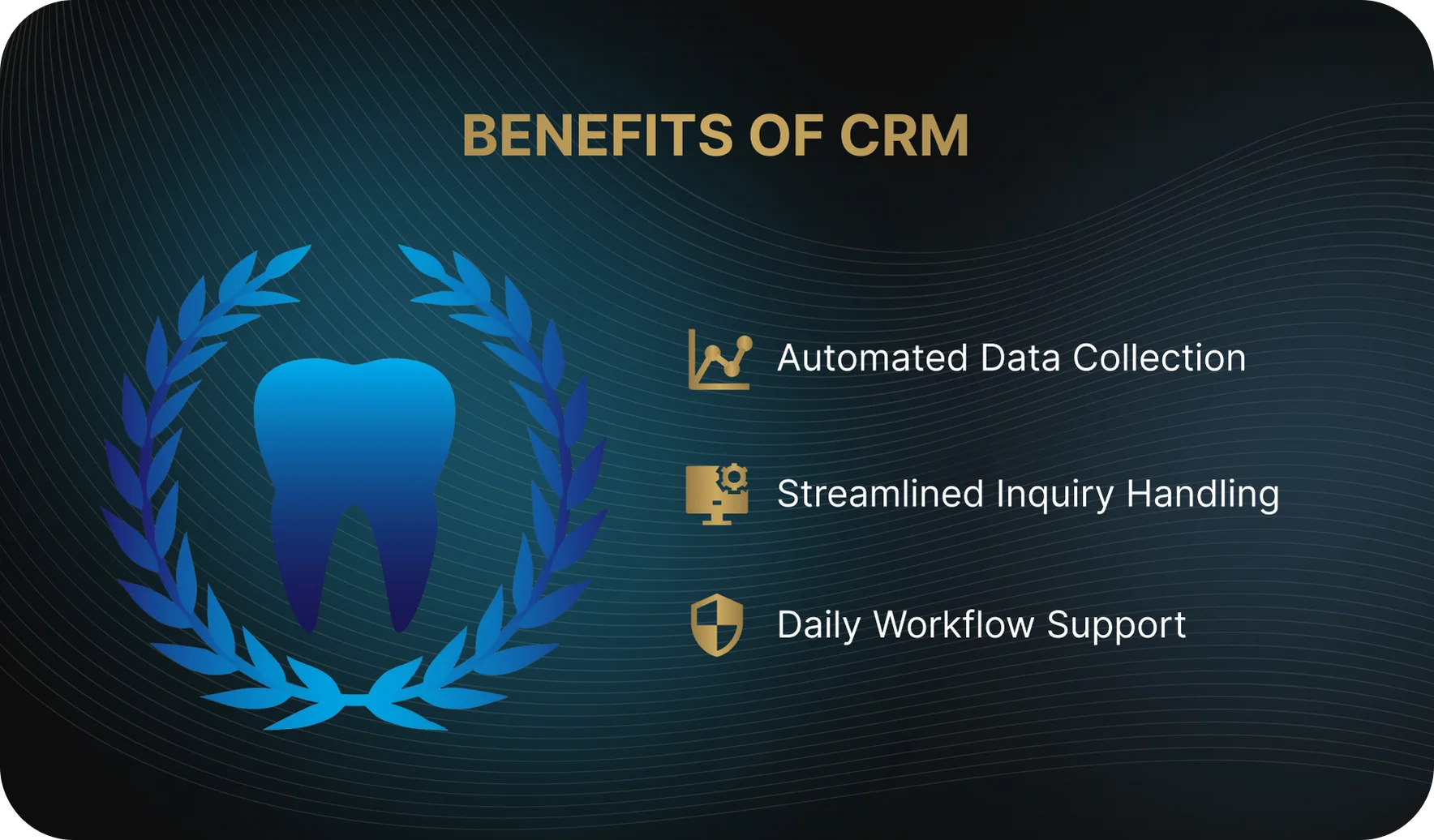
A dental CRM system is software that allows a clinic to manage all interactions with leads and patients in one place. It stores patient information, inquiry history, appointment bookings, visits, and cancellations, while also tracking which channels patients came from, such as the website, online forms, or phone calls. A CRM helps administrators and staff manage appointments, plan communication, keep track of visit schedules, and make sure patients do not fall through the cracks between appointments. In simple terms, it is a tool that supports the day-to-day operations of a dental clinic, makes inquiry handling easier, and provides basic reporting without the need to manually compile data from multiple spreadsheets.
 Advantages of CRM Implementation
CRM vs. EMR: What’s the Difference?
CRM is often confused with a medical information system or practice management software, so before comparing them, it is important to separate the roles each system plays in a dental clinic and understand how integration between them helps eliminate duplicate data entry and manual work.
It is worth clarifying from the outset that here we are specifically talking about the CRM side of patient management. This can be implemented either as a standalone CRM system for a dental clinic or as a module within the clinic’s broader medical software. The format itself is not what matters most. What matters is the set of features and how effectively the system helps organize patient interactions at every stage.
Who Needs It: CRM for Different Roles in the Clinic
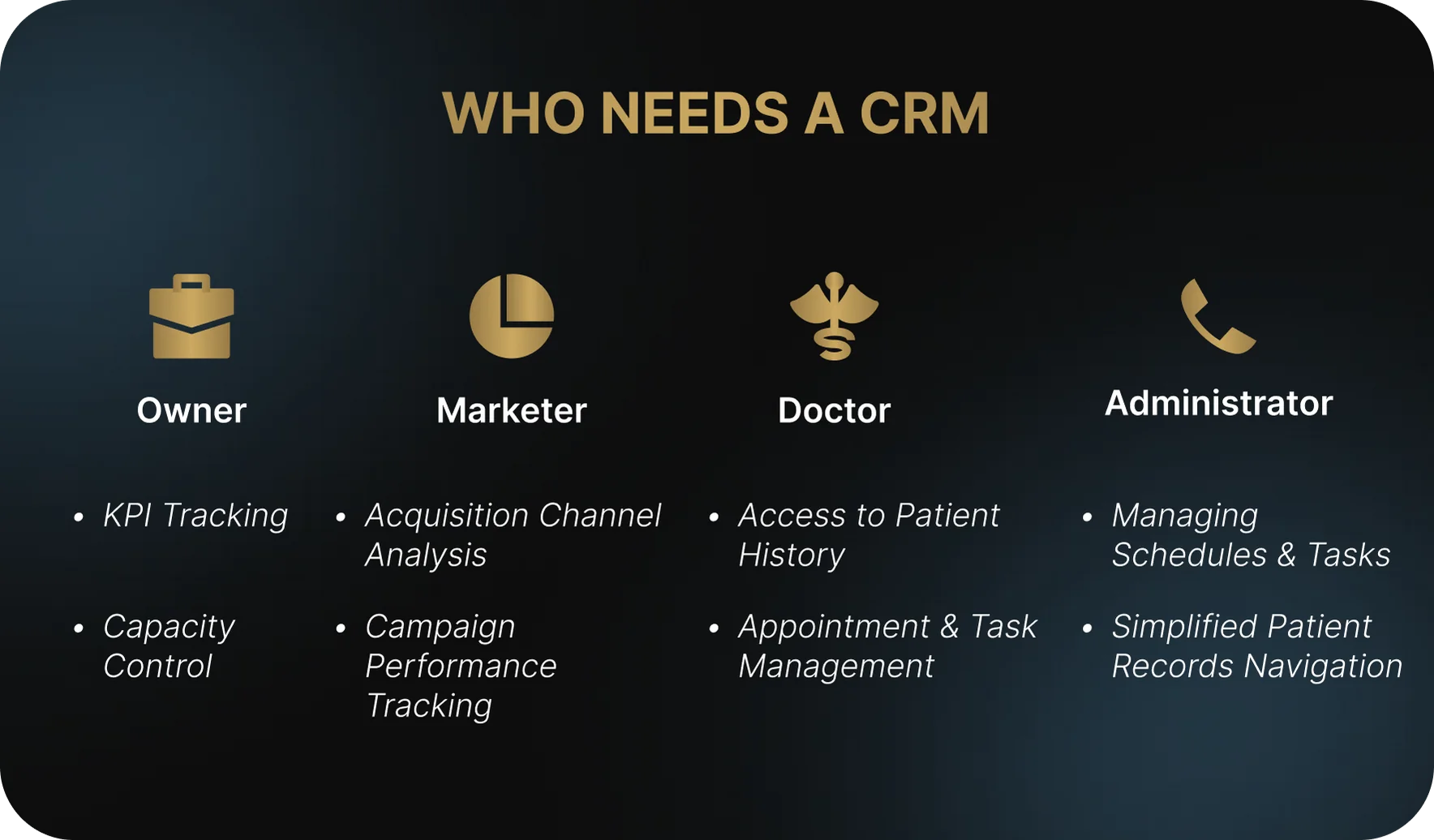
A CRM in a dental clinic is not used by just one person or for just one task. It gives the clinic owner or director visibility into operational performance, helps the marketer measure patient acquisition and retention, enables the administrator to handle inquiries and appointments, and allows the dentist to stay aligned with treatment plans and prior patient agreements. When properly integrated, CRM becomes a practical working tool for the entire team. It saves time and makes collaboration between roles much easier. Below are the main ways the system supports each participant in the process.
For the Clinic Owner or Director: A CRM gives the clinic manager clear visibility into performance across dentists, service lines, and patient acquisition channels, while also helping monitor chair utilization and front-desk performance through reports. Example: The clinic director notices that despite a steady flow of appointments, one chair is sitting idle because of scheduling issues, and reallocates appointment times without adding more staff.
For the Marketer: A CRM serves as a tool for evaluating acquisition channels and tracking which campaigns actually bring in patients, versus those that generate inquiries without converting into bookings. Example: The marketer sees that online bookings from the website are more likely to result in actual visits than social media ads, and shifts the budget toward the more effective channel.
For the Administrator: A CRM helps the administrator avoid missing calls and inquiries, quickly navigate the patient profile, and manage appointments and tasks throughout the day. Example: The administrator can see in advance which patients have not confirmed their appointments and fill open slots without last-minute chaos or manual tracking lists.
For the Dentist: A CRM gives the dentist access to the treatment plan and the history of agreements and discussions with the patient, without distracting from the appointment or the clinical side of the work. Example: The dentist can immediately see which stages of treatment have already been discussed and why the patient postponed a decision, without having to repeat the same explanations all over again.
 CRM for Different Roles in the Clinic
What a CRM Should Be Able to Do at Launch: Core Functionality
There is such a thing as out-of-the-box functionality — the set of features available immediately after launch or in the first version of the system. These are the core tools a dental clinic needs in order to handle patients, online bookings, and inquiries effectively. Below are the key platform capabilities that should be in place from the start.
Unified Patient Profile
What it is: A single patient profile that brings together all of the clinic’s interactions with that patient in one place.
What problem it solves: It eliminates scattered data across Excel files and message threads, allowing staff to quickly understand the patient’s history and keep the full context between bookings and visits.
Key functionality: Contact details and easy search by phone number or full name, history of inquiries and visits, canceled and rescheduled appointments, lead source, and a short summary of the treatment plan and payment status without going into medical details.
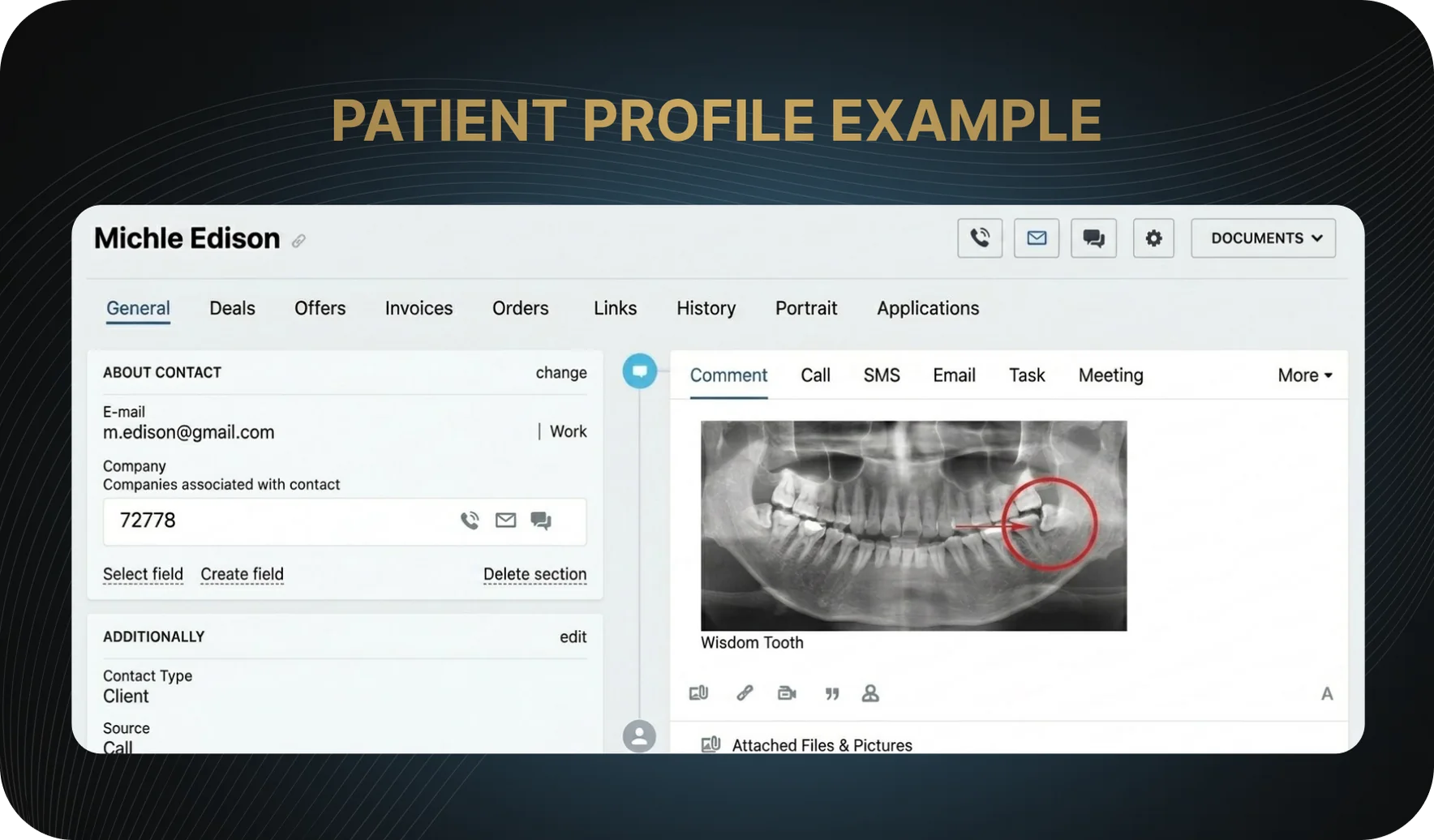 Sample Patient Profile
Funnel from Lead to Repeat Visit
What it is: A visual model of the patient journey, from the first inquiry to repeat visits and preventive care.
What problem it solves: It helps the clinic see at which stages patients stop moving forward and where bookings and appointments are being lost.
Key functionality: Customizable funnel stages from new inquiry to repeat visit, visibility into the patient’s status at each stage, and the ability to assign tasks and reminders to stage transitions.
Integration with Telephony and Lead Channels
What it is: Integration with the channels through which patients contact the clinic online and by phone.
What problem it solves: It prevents calls and inquiries from the website, forms, and messaging apps from being lost, and eliminates manual data entry into the system.
Key functionality: Automatic creation of a patient or lead profile when a call or inquiry comes in, capturing phone numbers and call recordings, and integration with IP telephony, the website, and popular messaging apps.
Reminder and Patient Communication System
What it is: Tools for regular and trigger-based communication with patients without having to manage every step manually.
What problem it solves: It reduces missed appointments and helps bring patients back for follow-up visits and preventive care.
Key functionality: Appointment reminders via SMS, WhatsApp, and email, scheduled reminders for hygiene visits and checkups, and automated workflows for patients who did not start treatment, have not paid, or have not visited the clinic for a long time.
Treatment Plan and Approval Tracking
What it is: A way to display key information about the treatment plan and its statuses without going into medical details.
What problem it solves: It allows the clinic to track which stages of treatment have been approved, where patients are dropping off, and why they are not continuing treatment.
Key functionality: CRM linkage to the treatment plan or data import from the EMR, treatment stage statuses, and recording reasons for refusal for future follow-up with the patient.
Sales and Financial Reporting
What it is: Management reports that reflect the clinic’s financial performance.
What problem it solves: It gives the clinic owner or manager a clear understanding of which service lines, doctors, and patient acquisition sources are generating results, without requiring a deep dive into accounting.
Key functionality: Revenue reports broken down by doctors, service lines, and traffic sources, average ticket calculation for new and returning patients, and conversion tracking from initial inquiry to payment.
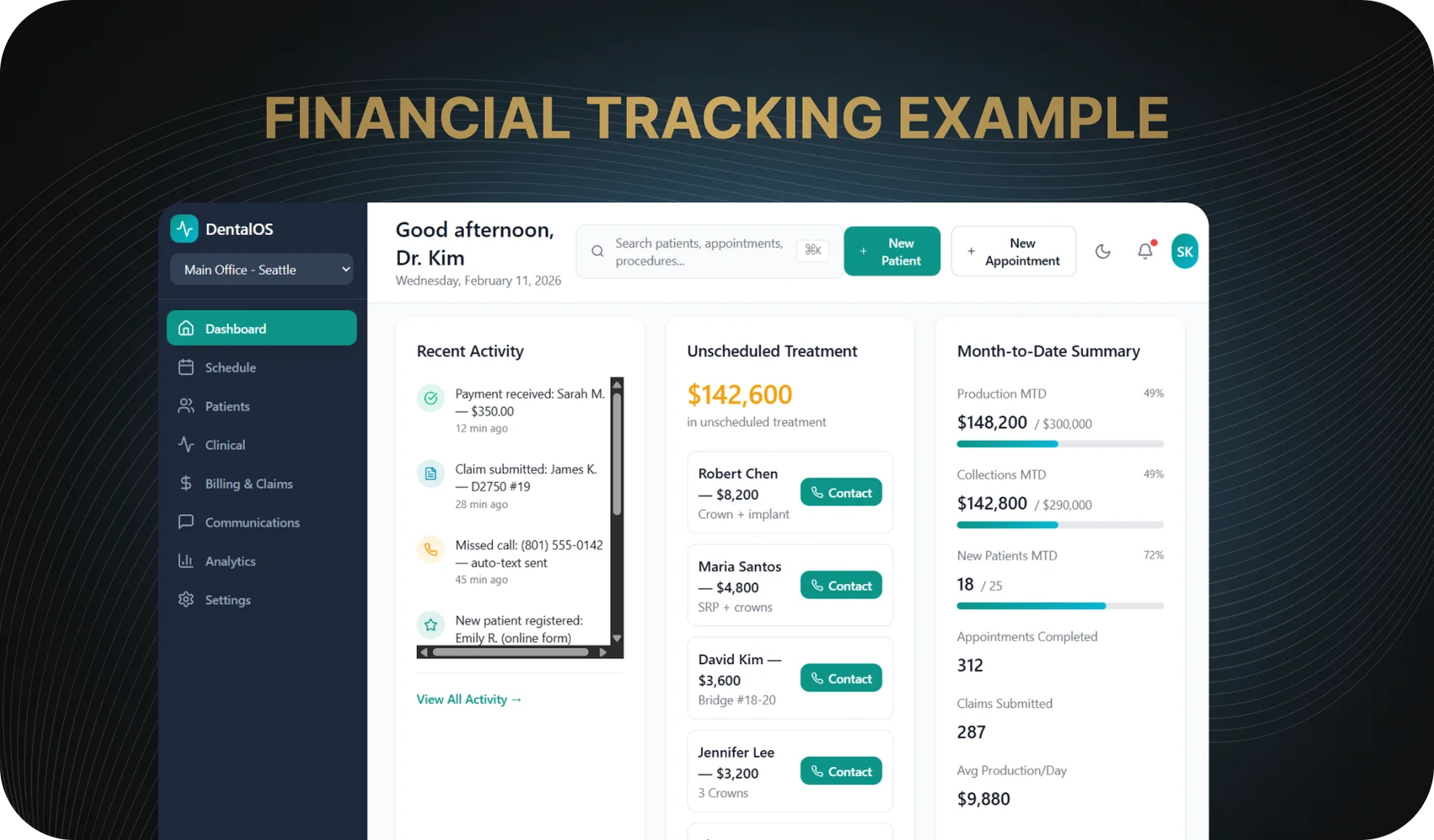 Financial Monitoring Template
Reviews and Reputation Module
What it is: A basic module for managing patient reviews on external platforms.
What problem it solves: It helps the clinic collect reviews in a consistent way and manage its reputation without manual outreach or scattered reminders.
Key functionality: Sending review links either based on triggers or in bulk, and tracking whether a review was left, on which platform, and with what outcome.
Access Permissions and Security
What it is: A system for controlling staff access to data and providing basic protection for patient information.
What problem it solves: It reduces the risk of data leaks and prevents employees from seeing information that is unrelated to their responsibilities.
Key functionality: Different access levels for dentists, administrators, and managers, restricted visibility of reports and financial data, and compliance with personal data protection requirements during system development.
What Can Be Postponed to the Second Stage of CRM Development
- Advanced Loyalty Module: Complex bonus programs and point-based systems do not affect the core booking and appointment workflows at the initial stage.
- End-to-End Analytics and BI Dashboards: These types of reports require clean data and well-established processes, which are usually not yet in place in the first version of a CRM.
- Fully Automated Trigger Campaigns: Without administrator involvement, these often work inconsistently and only make real sense once the clinic has built up a sufficient patient base.
- Modules for Clinical Research, Insurance, and Special Programs: These are not used by every clinic and are not part of day-to-day patient management.
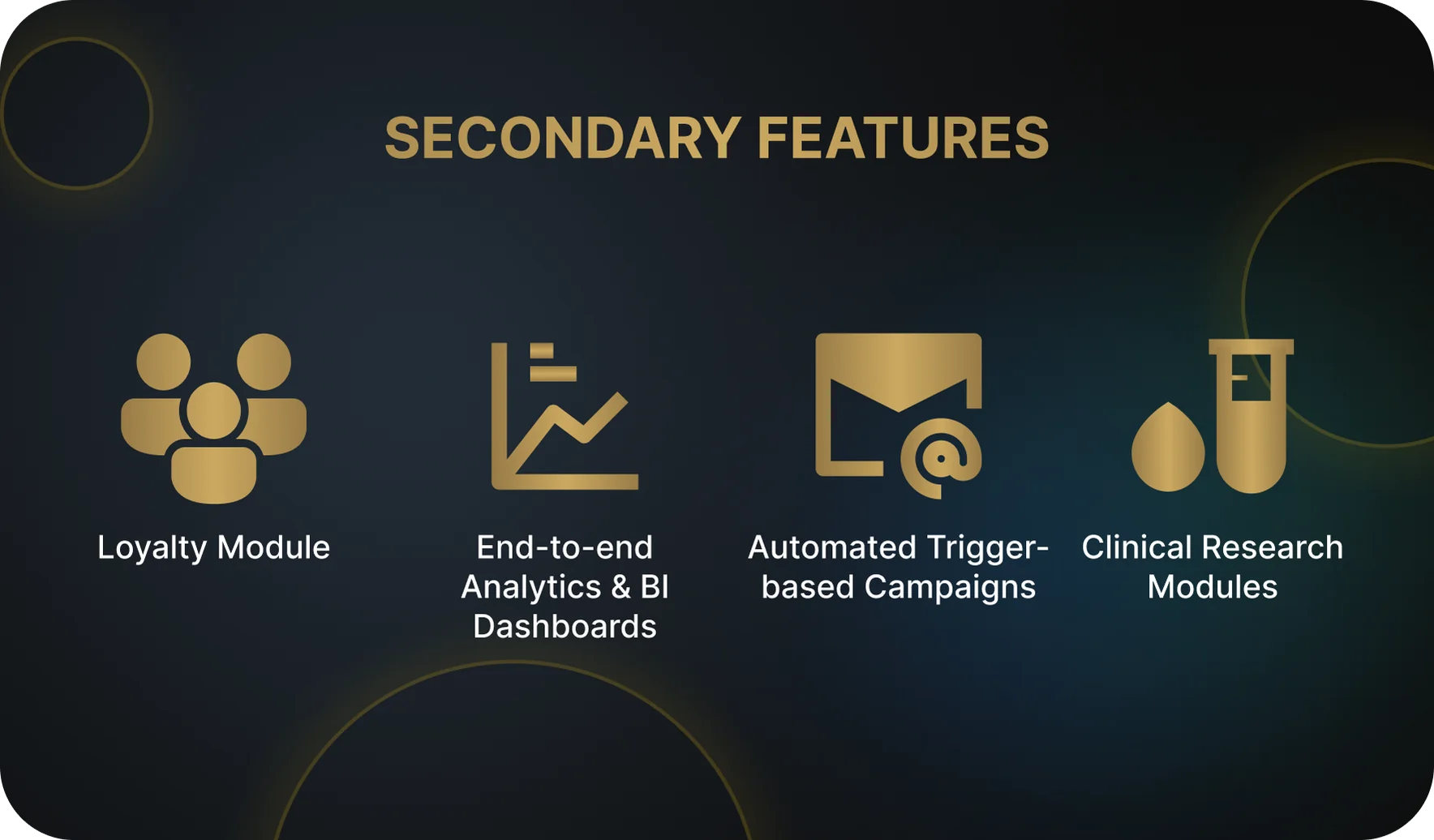 Secondary Features
In short, the priority at the beginning is to cover the basics: make sure inquiries are not lost, appointments are managed properly, and the clinic has a clear view of what is happening. Additional capabilities and advanced features are best added after the core processes have stabilized.
5 Common Mistakes When Developing or Choosing a CRM for a Dental Clinic
In practice, clinics tend to run into the same issues whether they choose an off-the-shelf CRM or commission a custom-built solution from scratch.
- Building a CRM Without Integrating Telephony and the Website. The clinic launches its own CRM but fails to connect it to phone systems and the website. As a result, calls and online inquiries still have to be handled manually, staff spend extra time on routine tasks, some leads are lost, and the system does not provide meaningful support in day-to-day operations.
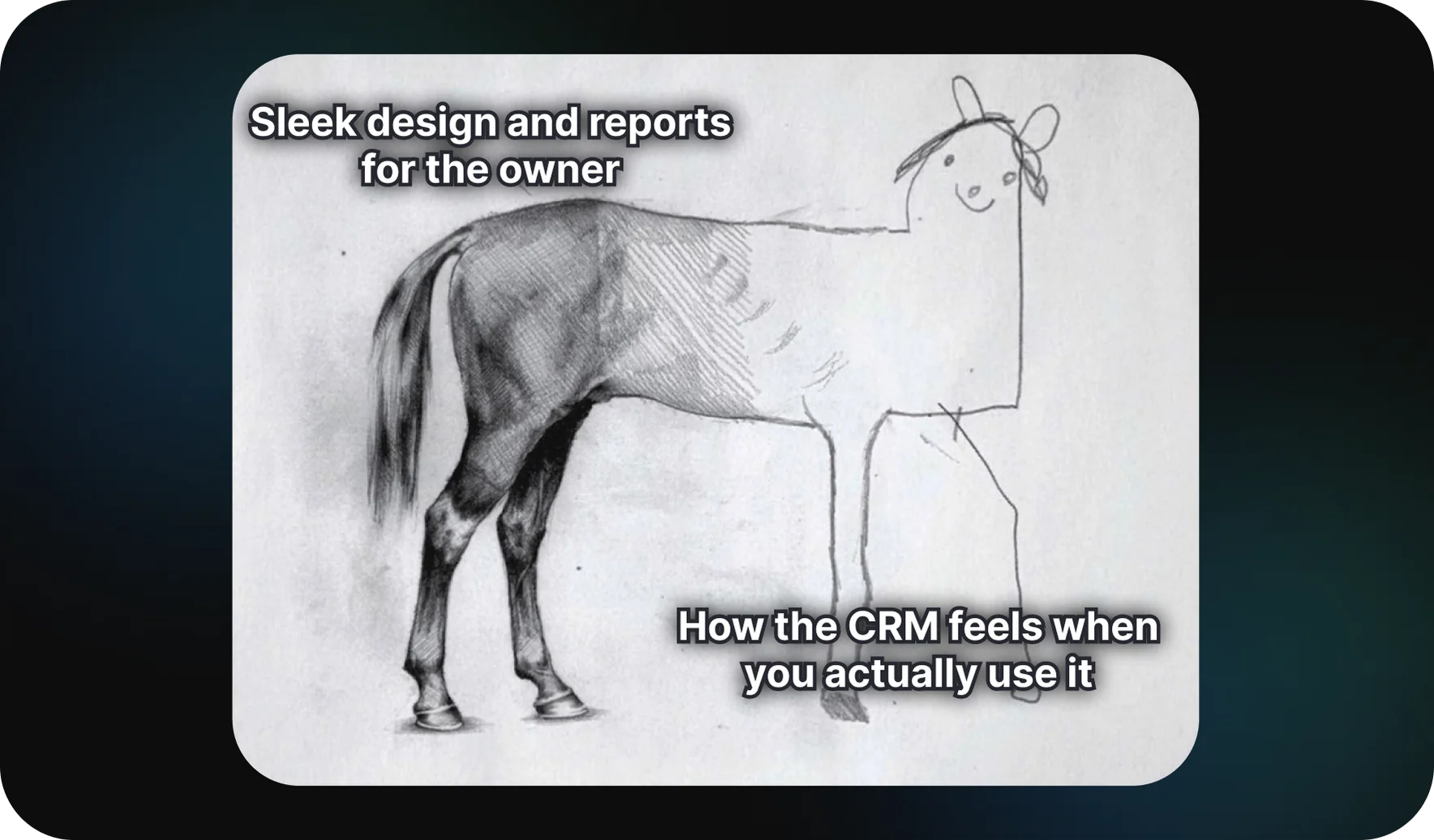
- Designing the Interface for the Manager Instead of the Administrator. The CRM looks good in reports, but it is inconvenient to use in the middle of a busy flow of calls and appointments. Because of this, the data quickly becomes outdated and the system loses practical value.
- Failing to Build a Patient Journey Funnel. The clinic can see the final numbers, but has no way to understand at which stage patients are dropping off before booking or starting treatment.
- Trying to Build an Enterprise-Level System from Day One. The feature set becomes overloaded, the processes are not clearly defined, staff lose time trying to learn the system, and integrations drag on for months instead of being launched quickly.
- Not Thinking Through Access Rights and Permissions. Employees end up with access to information that is unrelated to their responsibilities, creating risks for both patient data and management reporting.
Conclusion: Where to Start If You Want a Custom CRM
To sum it up, the right place to start is not with the idea of “we want a unique CRM,” but with a clear understanding of the clinic’s actual needs. At the early stage, it is important to identify where staff are losing time when working with patients and appointments, which CRM features need to be available first, and which metrics management wants to track on a regular basis. Without that foundation, the system will not become a practical working tool or provide real support in the clinic’s day-to-day operations.
A rational approach is to first define the essential CRM functionality that should work out of the box and make sure it covers the clinic’s core processes. Only after that does it make sense to move on to additional modules and custom enhancements. If there is any uncertainty about where to begin or how to formulate the requirements correctly, the logical next step is to request an audit or consultation to review the clinic’s processes and use that as the basis for a clear technical specification for CRM development or customization.
- CRM for a Dental Clinic in Simple Terms
- Who Needs It: CRM for Different Roles in the Clinic
- What a CRM Should Be Able to Do at Launch: Core Functionality
- What Can Be Postponed to the Second Stage of CRM Development
- 5 Common Mistakes When Developing or Choosing a CRM for a Dental Clinic
- Conclusion: Where to Start If You Want a Custom CRM