


Mobile
 Bivvy
Bivvy A mobile messenger: private and group chats, voice and video calls, media sharing. End-to-end encryption and real-time push notifications.
Message delivery <1 sec
Group chat members up to 1000
Media per message up to 100 MB

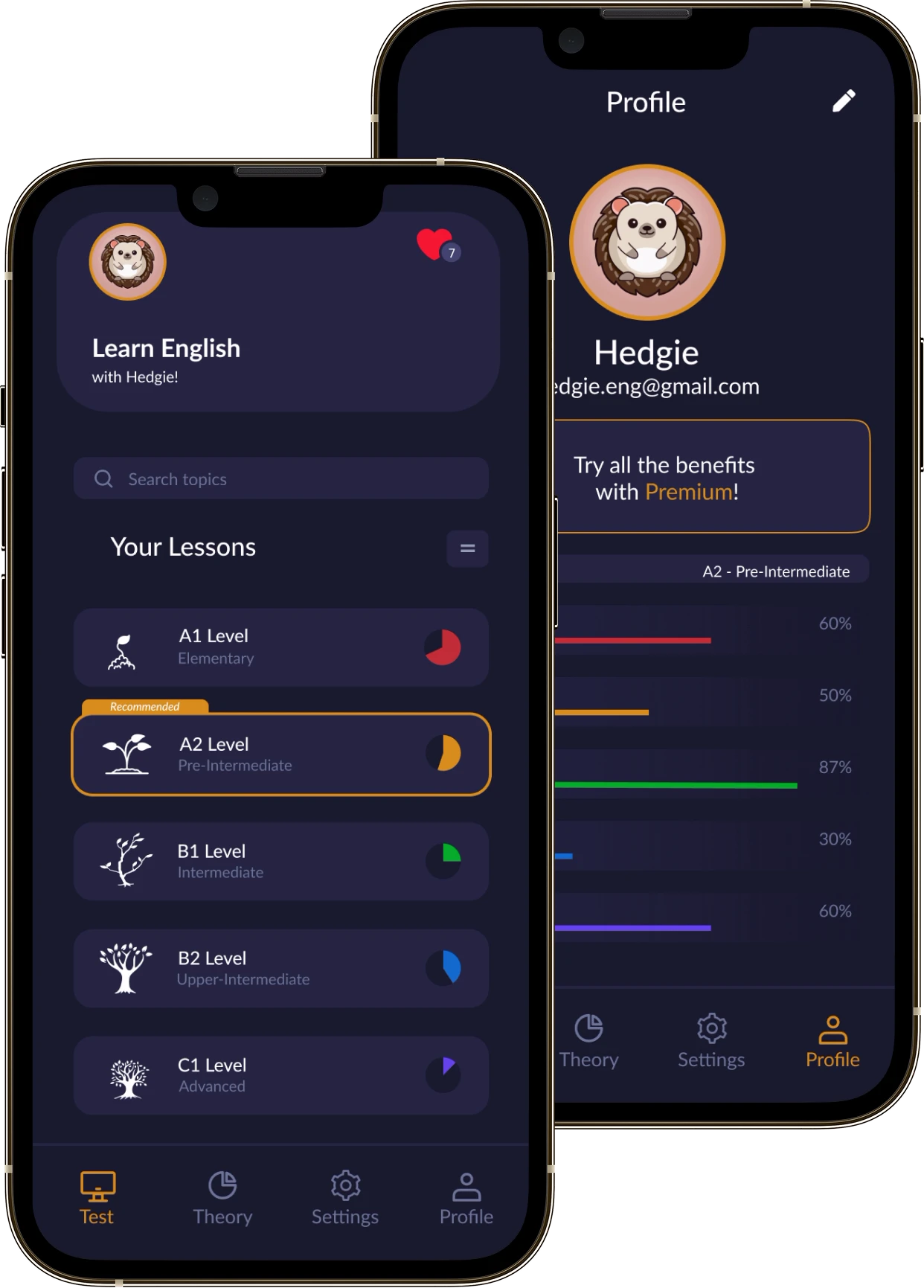
A mobile app that drills English grammar as a light game. People take short tests, get an explanation for every mistake, track their progress and improve their English without drowning in theory.
Hedgie grew out of an idea: make learning English grammar simpler and more interesting. Grammar is usually the part that feels hardest and dullest — the rules are overloaded and the drills get boring fast. So we built an app around short interactive tasks, tests and clear feedback instead of long theory. And the friendly character Hedgie keeps people motivated as they move up the levels.
 Progress and motivation
 Interactive learning
 Two platforms: iOS and Android
 Mistakes explained instantly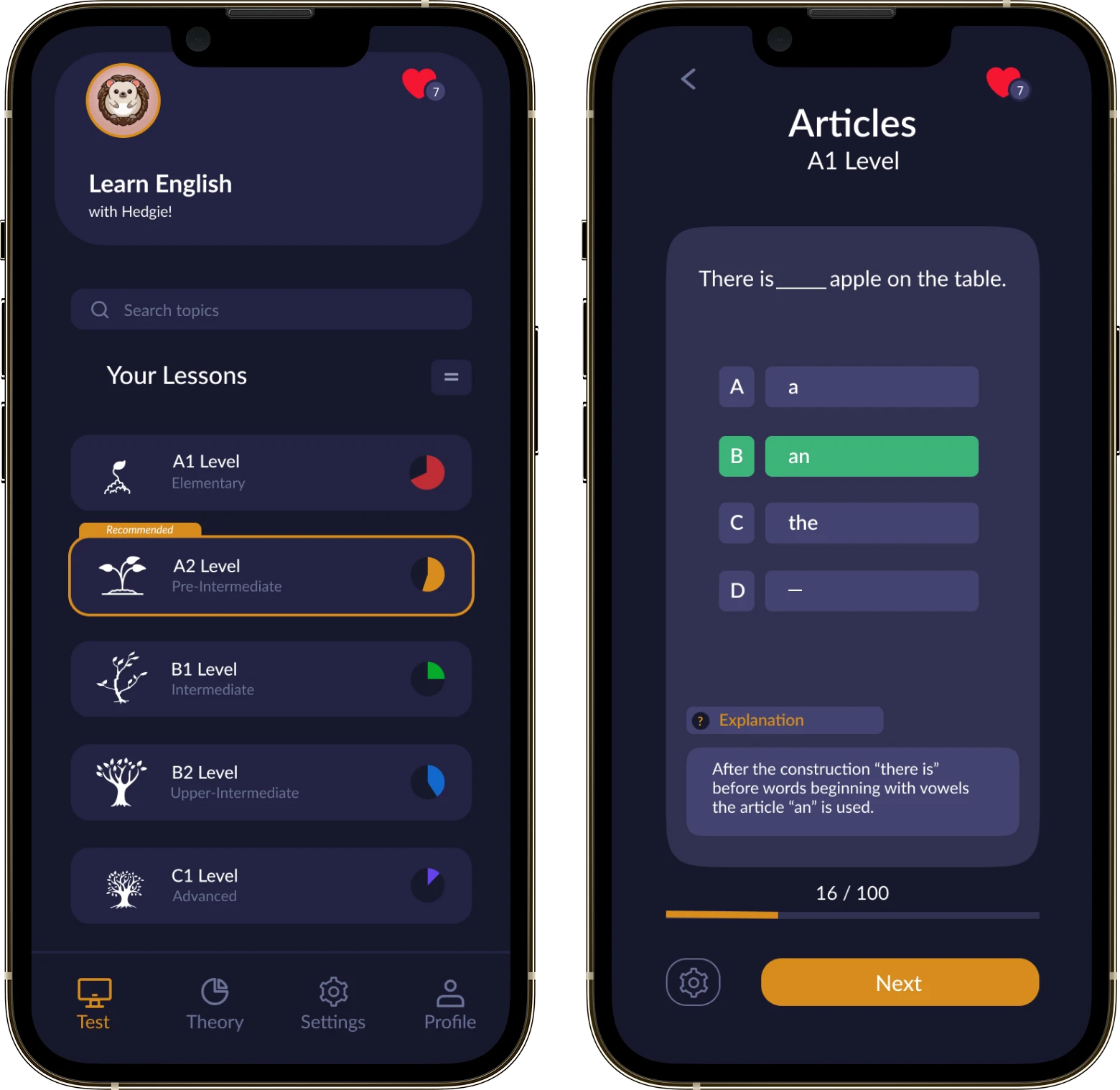
Beetrail built Hedgie, a mobile app for learning English grammar. Grammar comes as short tests, game-like tasks and clear explanations of every mistake. People move up through levels, see their progress and come back to the topics they struggle with. The friendly character Hedgie keeps them motivated. The app runs on iOS and Android.

Learning English grammar tends to feel like a hard, monotonous slog. People lose motivation fast when all they get is rules and the same kind of drills with no clear feedback. What was needed was a focused, easy-to-use product that drills grammar specifically — quickly, regularly and without the feel of a school textbook.

We built a mobile app where grammar comes as short tests, game-like tasks and clear explanations. People can study at their own pace, work through levels, watch their progress and return to the topics they struggle with. We focused on three things: a simple interface, instant feedback and motivation.
Hedgie turns learning grammar into a game: short tests, mistakes explained, levels and visible progress — with a friendly character on every screen.
People see their results and how their learning is going, and see what they need to review.
After a wrong answer the app shows the explanation, so the rule sticks and the mistake is not repeated.
Short grammar tasks with instant feedback, so you can practice regularly without sitting through long lessons.
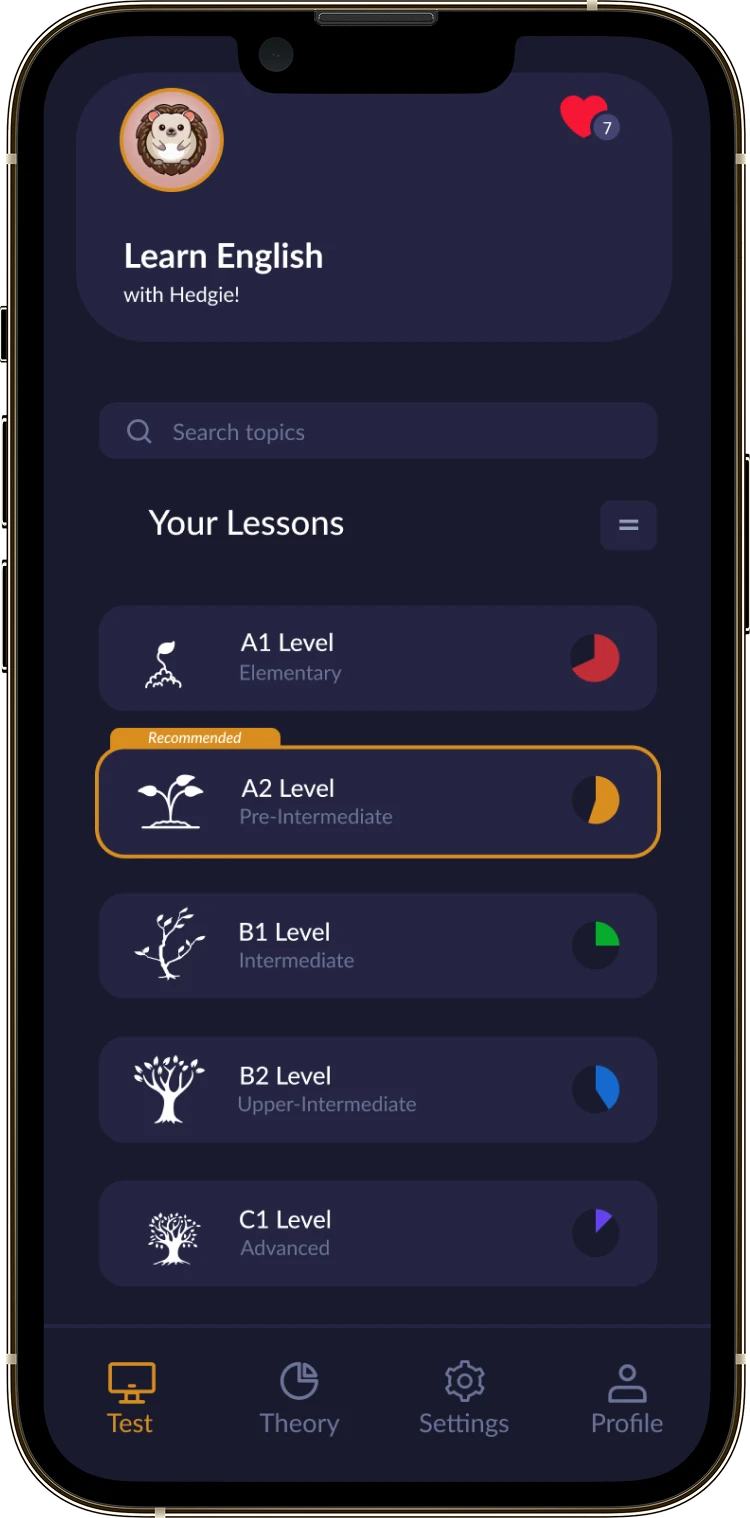
Tasks are arranged by level, so learning goes step by step, from simple topics to more complex grammar structures.
Learning in Hedgie is built around levels — from the basic topics to more complex grammar structures. That way people move forward gradually, never drown in theory, and hold on to the material step by step.
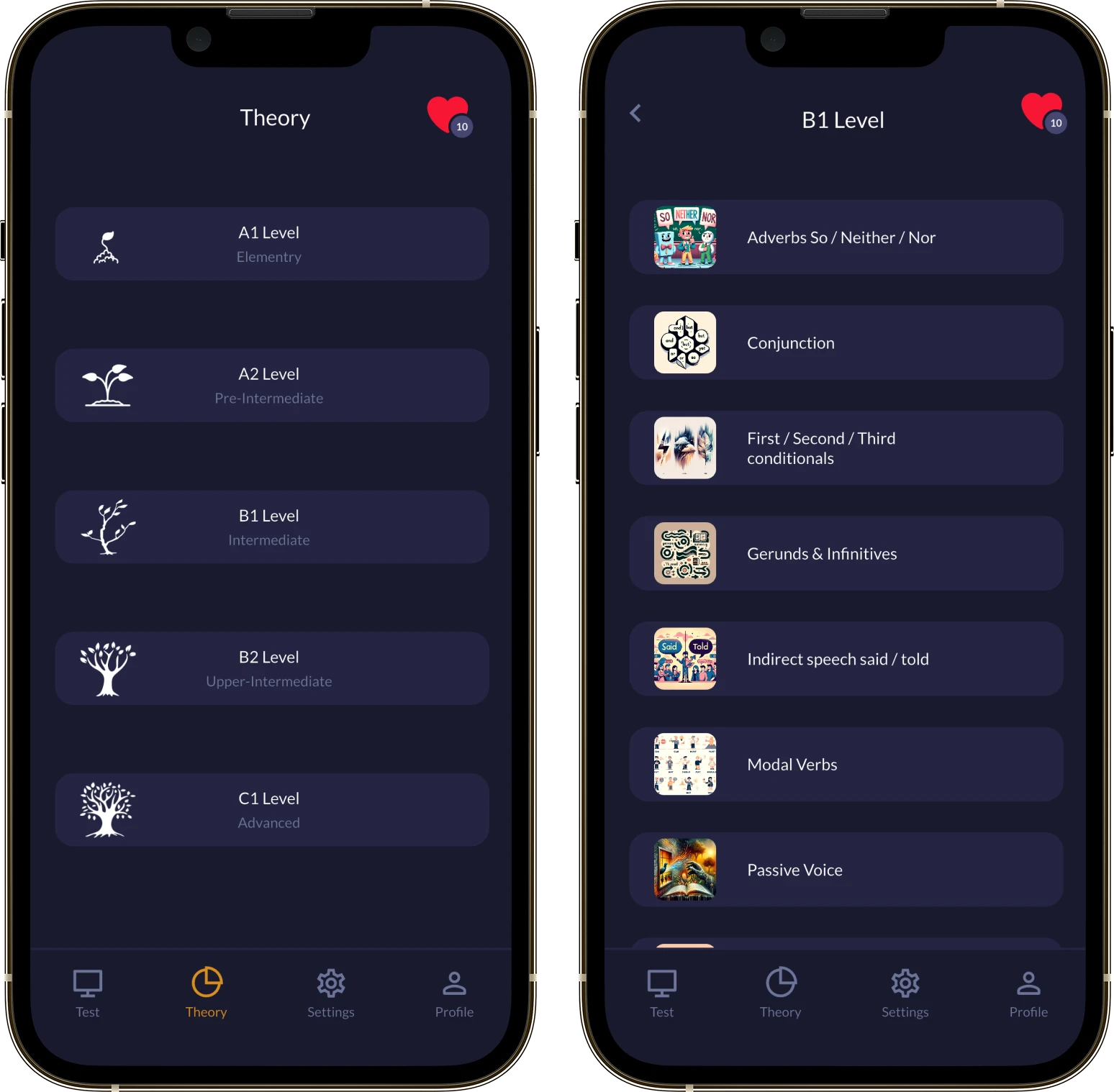
Inside every level people see the separate grammar topics and can work through them in order at their own pace. It makes learning clearer, helps them go back to their weak spots and keeps their progress under control.
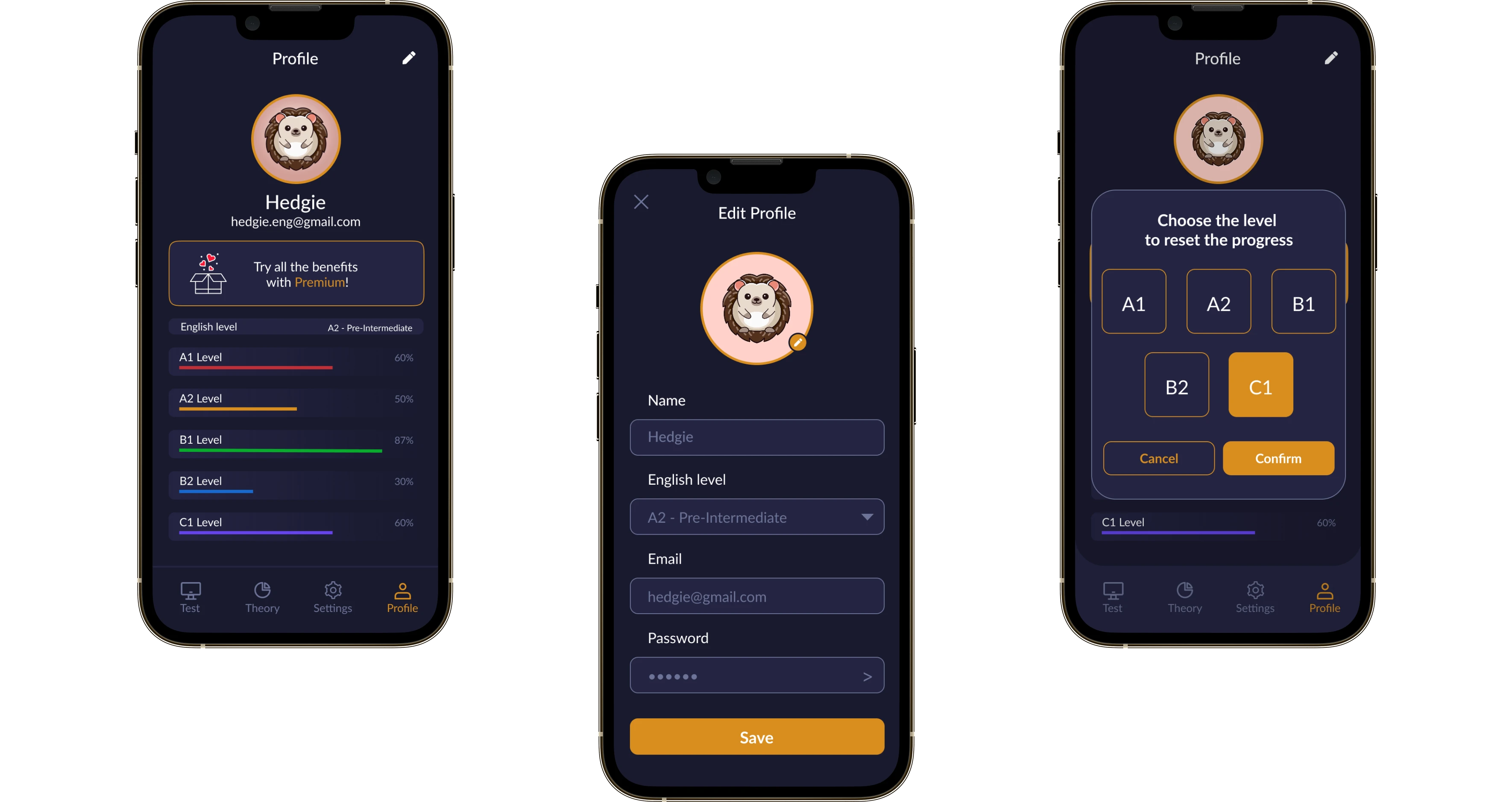
The profile shows their current English level and their progress for every sub-level, from A1 to C1. From here people can edit their account details, change their password, reset their progress on a chosen level and go through the material again.
Invite a friend with your referral code in one tap. The subscription screen lists plans for 1, 3 and 12 months with worthwhile discounts and automatic renewal through the App Store and Google Play.

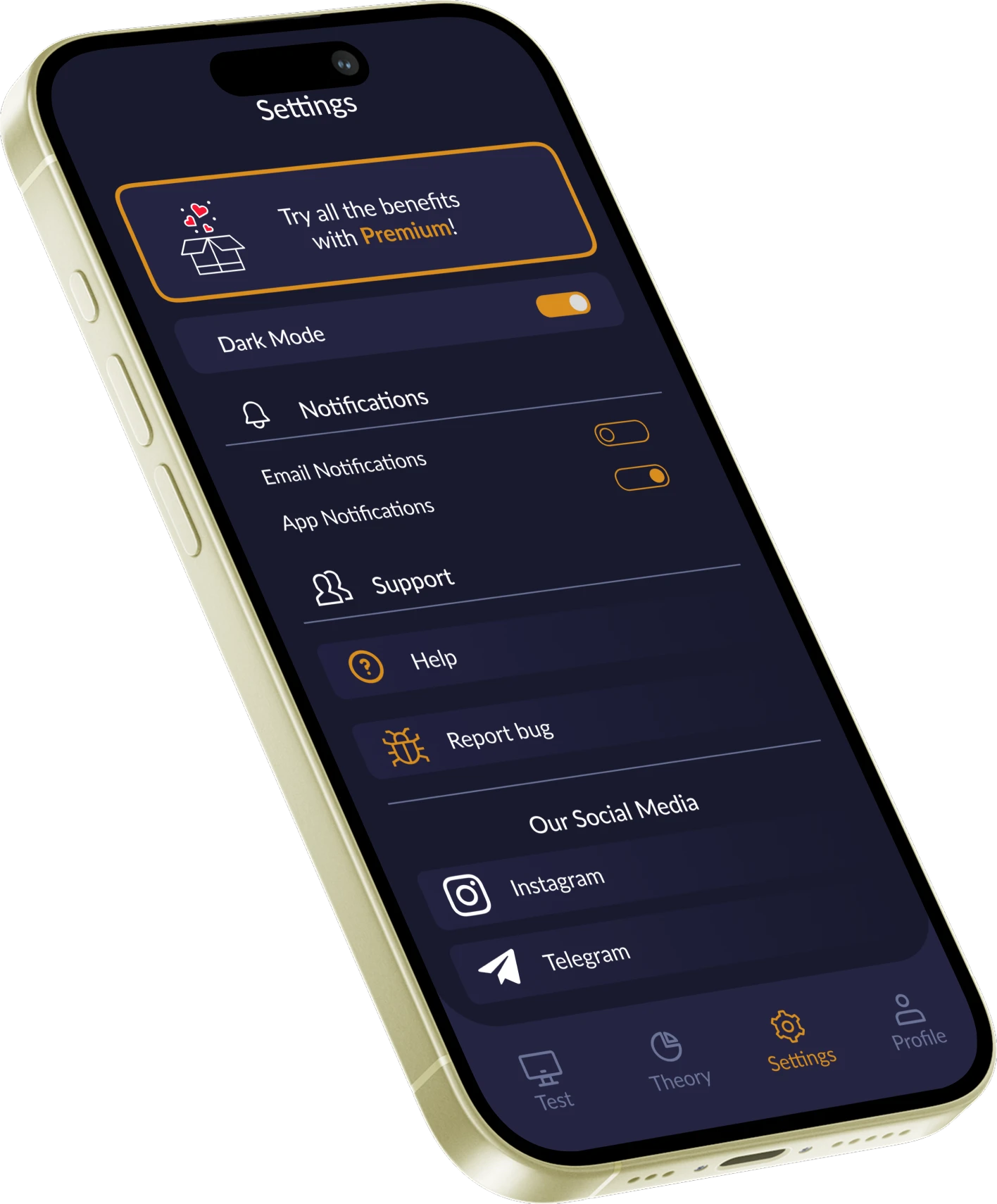
In the settings people control the color theme, email and in-app notifications, and the interface language. From here they can contact support, report a bug or follow the app on social media.
Ran discovery — audience and competitor research — and pinned down the core user flow: a person takes a test, sees the mistake and carries on learning.
Built a lightweight, friendly interface around the Hedgie character, game elements and quick jumps between tasks.
Built the app for iOS and Android in parallel, with tests, levels, progress and subscriptions.
Tested the critical paths, prepared release builds and published to the App Store and Google Play.
 IlyaFounder of Hedgie: Learn English Grammar
The team helped turn the Hedgie idea into a clear and engaging product that makes learning grammar easier and more enjoyable. We especially liked how quickly the MVP came together, while still keeping the user experience simple and creating a strong foundation for the app’s future growth.
We shipped an educational app for learning English grammar that combines the usefulness of a practice app with the lightness of a mobile game. Hedgie helps people practise regularly, understand their mistakes and track their progress without an overloaded interface. The product came out with room to scale: new topics, levels, characters, tasks, languages and personal learning mechanics can all be added.
 First release on the App Store and Google Play
  Learning in a game format
  Levels and visible progress
 We’ll hop on a 15–30 minute call, go through your idea for free and suggest where to start and how to build it.